
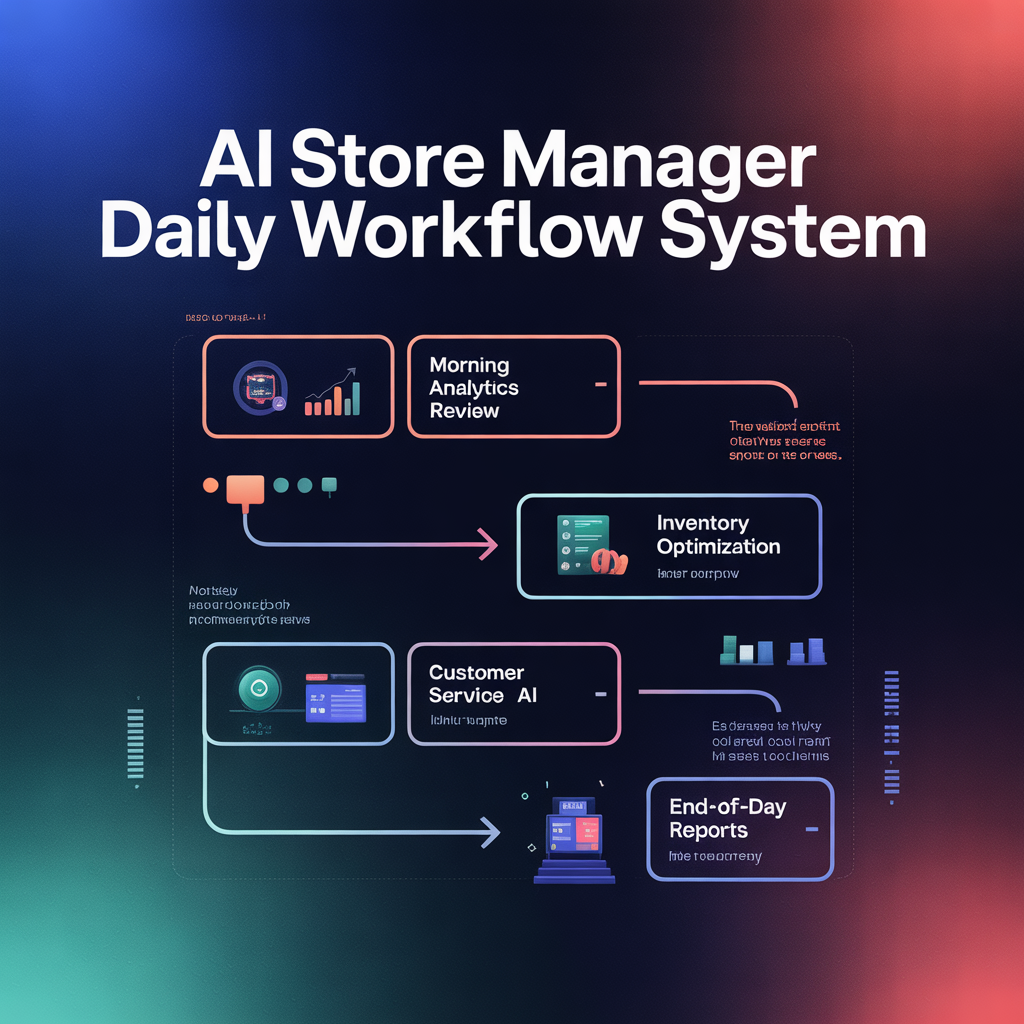
🤖 The “AI Store Manager” Daily Workflow System
Run Your Entire Retail Operation in 15 Minutes a Day—With AI Doing the Heavy Lifting
🔍 Overview
Most retail owners waste hours checking reports, guessing what to fix, and reacting too late.
This system replaces that chaos with a streamlined, AI-powered daily workflow that tells you exactly what matters—and what to do about it.
🧠 SECTION 1: The “AI Store Manager” Concept
Think of AI as your virtual operations manager.
🎯 Its 3 Core Roles:
-
Analyzer
- Reviews your sales, inventory, and customer data
-
Strategist
- Identifies opportunities + risks
-
Advisor
- Tells you what actions to take immediately
👉 Your job is simple: Ask the right questions → Execute the best actions
⏱ SECTION 2: The 15-Minute Daily Workflow
This is your unfair advantage.
⚡ DAILY SYSTEM (Repeat Every Day)
🟢 Step 1: Upload or Review Data (5 Minutes)
Pull key data from:
- Shopify / POS
- Sales dashboard
- Inventory system
Focus on:
- Revenue
- Top products
- Low stock alerts
- Conversion rates
🧠 Step 2: Ask AI the Right Questions (5 Minutes)
Use these exact prompts daily:
📊 Performance Insight Prompt:
“Analyze today’s retail performance. What changed, what matters most, and what should I focus on?”
💰 Profit Leak Prompt:
“Where am I losing money today, and what is the fastest way to fix it?”
🚀 Opportunity Prompt:
“What are the top 3 opportunities to increase revenue right now?”
⚠️ Risk Alert Prompt:
“Identify any risks (inventory, pricing, customer drop-off) that need immediate attention.”
⚡ Step 3: Execute Top Actions (5 Minutes)
Don’t overthink—just act.
👉 Pick 1–2 high-impact actions:
- Adjust pricing
- Restock a product
- Launch a quick promotion
- Fix a conversion issue
📊 SECTION 3: The Weekly Deep-Dive System
Once per week, go deeper.
📅 WEEKLY PROMPTS:
-
Growth Analysis
“Analyze this week’s data and identify the biggest growth opportunities.”
-
Product Performance
“Which products should I scale, optimize, or remove?”
-
Customer Insights
“What patterns do you see in customer behavior this week?”
-
Strategy Shift
“What should I change next week to improve performance?”
⚙️ SECTION 4: The “Smart Alerts” System
Let AI flag issues BEFORE they become problems.
🚨 Set These Triggers:
- Revenue Drop Alert
👉 If sales drop >10% → investigate immediately - Stockout Risk Alert
👉 Bestseller inventory running low - Conversion Drop Alert
👉 Traffic high, sales low - Slow-Moving Inventory Alert
👉 Products not selling in 30+ days
💬 Alert Prompt:
“Create a monitoring system that flags unusual changes in retail performance.”
🚀 SECTION 5: The “Daily Decision Framework”
Stop guessing. Use this logic:
⚡ PRIORITIZATION RULE:
- Fix losses first
- Revenue leaks
- Inventory issues
- Then scale wins
- Bestsellers
- High-performing campaigns
🎯 Decision Prompt:
“Based on this data, what should I fix first and what should I scale next?”
🧩 SECTION 6: Fill-in-the-Blank Daily Dashboard
Use this template every day:
Revenue Today: $_____
Top Product: _____
Biggest Drop: _____
Inventory Risk: _____
👉 AI Insights:
[Paste output]
👉 Top Actions:
🔥 SECTION 7: Advanced Applications (Elite Mode)
- Connect AI to Google Sheets for auto-analysis
- Build a live “AI command center” dashboard
- Automate alerts via email or Slack
- Use AI to simulate daily decisions before executing
💥 Wrap-Up
You don’t need more time—you need better decisions. This system turns AI into your daily operator, guiding you toward smarter, faster, more profitable moves.
Use this workflow to instantly eliminate overwhelm, optimize performance daily, and run your retail business like a data-driven pro.