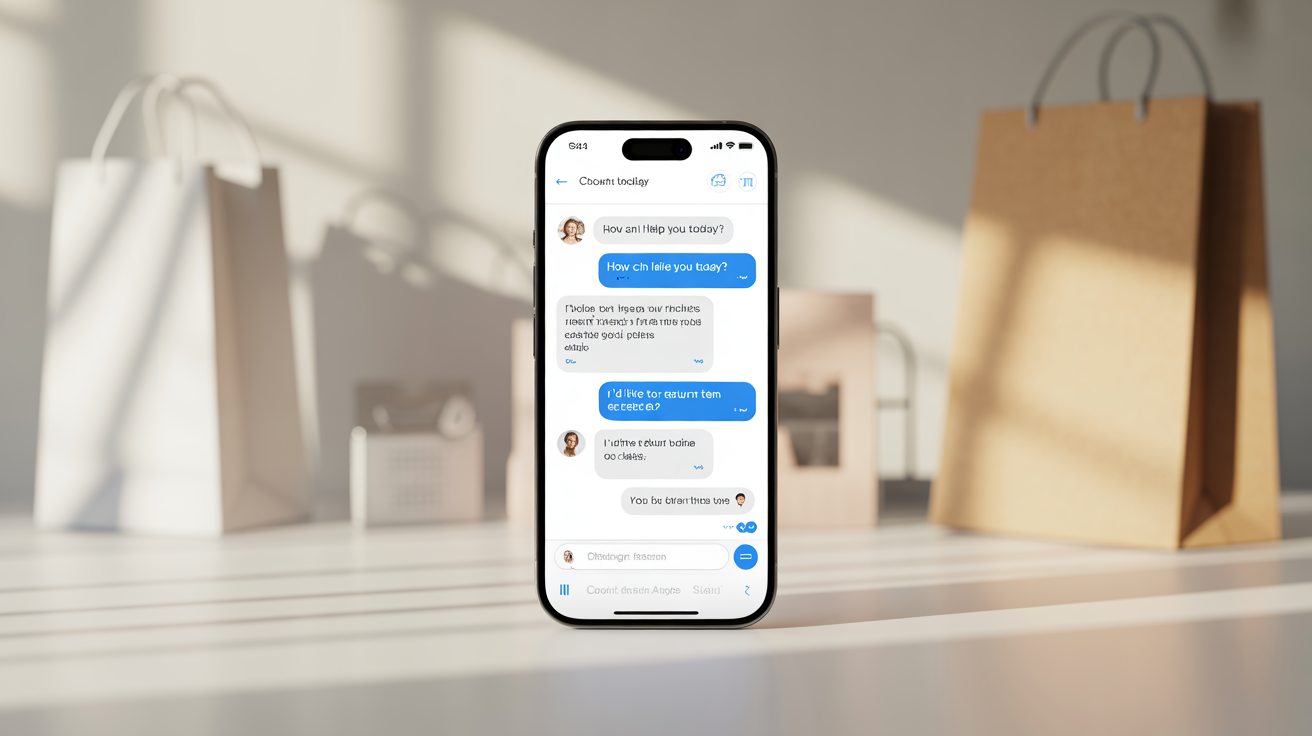
🤖 The Retail Chatbot Script Pack
24/7 Sales + Support Conversations That Convert, Reassure, and Recover Revenue Automatically
Overview
Most retail chatbots fail because they sound robotic, generic, or clueless at the exact moment a customer is ready to buy.
This script pack gives you high-converting, ready-to-deploy chatbot flows designed to boost sales, handle objections, reduce support volume, and keep customers moving toward checkout.
SECTION 1: The Retail Chatbot Conversion Formula
A profitable retail chatbot does 4 things well:
- Welcomes fast
It creates instant clarity and momentum. - Recommends intelligently
It helps customers find the right product without overwhelm. - Handles objections smoothly
It removes doubt before doubt kills the sale. - Guides the next step
It always moves the shopper toward action.
The Core Script Structure
Use this simple framework for nearly every chatbot response:
Acknowledge → Clarify → Recommend → Reassure → Direct
Example flow:
Acknowledge: “Got it — you’re looking for something lightweight and durable.”
Clarify: “Is this for everyday use or travel?”
Recommend: “In that case, our [Product A] and [Product B] are the best fit.”
Reassure: “Both are popular with customers who want quality without bulk.”
Direct: “Want me to show the differences side by side?”
That structure keeps conversations natural while still driving the sale.
SECTION 2: Sales Chatbot Scripts That Increase Conversion
-
Welcome + Store Entry Script
Use when: A visitor lands on your site or product page.
Script:
“Hey! I can help you find the right product fast. Are you looking for a best-seller, something budget-friendly, or a recommendation based on your needs?”
Variation:
“Welcome in. Need help choosing the best option, finding a gift, or getting a quick answer before you buy?”
Why it works:
It gives the shopper an easy starting point instead of forcing them to think too hard.
-
Product Finder Script
Use when: A customer does not know what to buy.
Script:
“I can help narrow it down. What matters most to you right now: price, quality, speed, convenience, style, or results?”
Follow-up:
“Perfect — based on that, here are the top 3 options I’d suggest for you:
- [Product 1] — best for [benefit]
- [Product 2] — best for [benefit]
- [Product 3] — best for [benefit]
Want the quick comparison?”
-
Best-Seller Recommendation Script
Use when: Shoppers want the safest choice.
Script:
“If you want the most proven option, our best-seller right now is [Product]. Customers usually choose it because it delivers [main benefit] without [common frustration]. Want to see why it’s the most popular?”
-
Gift Buyer Script
Use when: Someone is shopping for another person.
Script:
“Shopping for someone else? I can make this easy. What’s the occasion — birthday, holiday, thank-you gift, or just because?”
Follow-up:
“Great choice. For that type of gift, these are usually the safest winners because they feel high-value and easy to love.”
-
Upsell Script
Use when: Customer is about to add to cart.
Script:
“Nice pick. Customers who buy [Main Product] often add [Upsell Product] because it helps them get [extra result] and makes the overall experience better. Want to add it in one click?”
-
Cross-Sell Script
Use when: Customer has shown interest in a product category.
Script:
“To go with that, you may also want [Related Product]. It pairs well with [Main Product] and helps with [specific outcome]. Want me to bundle both for you?”
-
Bundle Offer Script
Use when: You want to lift average order value.
Script:
“You can also grab the bundle and save more overall. The [Bundle Name] includes [Item 1], [Item 2], and [Item 3] — ideal for customers who want the full setup without piecing everything together.”
-
Low-Stock Urgency Script
Use when: Product inventory is limited.
Script:
“Just a heads up — stock is running low on this item right now. If this is the one you want, it’s smart to grab it before the next restock delay.”
Keep this honest and only use it when true.
-
Price-Sensitive Buyer Script
Use when: Customer seems hesitant about cost.
Script:
“I hear you. If budget is the priority, I can show you the best-value option. If long-term results matter more, I’d recommend the version that gives you better durability and performance. Which route do you want to take?”
-
Checkout Push Script
Use when: Customer is engaged but stalled.
Script:
“You’re very close. Based on what you told me, [Product] is the strongest fit for your needs. Want me to take you straight to checkout?”
SECTION 3: Objection-Handling Scripts That Save the Sale
-
“It’s Too Expensive”
Script:
“Totally fair question. Most customers compare price first, but usually stay for the value. [Product] is designed to help you get [result], which means better performance, fewer replacements, and less frustration over time.”
Soft close:
“Would it help if I showed you the best-value option side by side?”
-
“I’m Not Sure This Is Right for Me”
Script:
“No problem — let’s make sure it actually fits what you need. What are you mainly trying to solve right now?”
Follow-up:
“Based on that, here’s the option I’d point you toward and why.”
-
“I Need to Think About It”
Script:
“That makes sense. Before you go, would a quick comparison or summary help you decide faster?”
Follow-up options:
- “Show me the main differences”
- “Recommend the best option”
- “Tell me what most customers choose”
-
“Do You Have Reviews?”
Script:
“Yes — this item is a favorite for customers who want [benefit]. Many buyers mention [common praise point]. Want the key highlights before you decide?”
-
“What If It Doesn’t Work?”
Script:
“That’s a smart question. The goal is to make this feel low-risk and easy to try. We recommend [Product] because it’s the best fit for [need], and our policy/support process is there to make sure you’re not stuck if it’s not the right match.”
- “I Saw a Cheaper Alternative”
Script:
“You probably did. The real difference usually comes down to quality, durability, support, and results. If you want, I can break down where this option gives you more value so you can compare properly.”
SECTION 4: Customer Support Scripts That Reduce Workload
-
Shipping Question Script
Script:
“I can help with that. Are you checking delivery time before ordering, or tracking an order that’s already been placed?”
If pre-purchase:
“Shipping times vary by location, but I can point you to the fastest option available.”
If post-purchase:
“Please enter your order number and I’ll help you with the next step.”
-
Return Policy Script
Script:
“Need help with a return? I can point you to the fastest path. Is the item damaged, not the right fit, or simply no longer needed?”
This helps route the customer faster and keeps the tone calm.
-
Order Tracking Script
Script:
“Happy to help you track your order. Please enter your order number or the email used at checkout, and I’ll guide you from there.”
-
Damaged Item Script
Script:
“I’m sorry that happened. Let’s get this resolved quickly. Please share your order number and a photo of the issue, and we’ll help with the next step.”
-
Wrong Item Received Script
Script:
“Thanks for flagging that. I know that’s frustrating. Please send your order number and a quick photo of what arrived, and we’ll help sort it out as fast as possible.”
-
Product Care / Use Instructions Script
Script:
“I can help with that. Are you looking for setup instructions, care guidance, or troubleshooting tips for [Product]?”
-
Size / Fit Guidance Script
Script:
“To help you choose the best fit, tell me whether you prefer a closer fit, a standard fit, or extra room. I can also compare two sizes for you.”
-
Out-of-Stock Script
Script:
“That item is currently out of stock, but I can help two ways: I can show you the closest alternative, or help you join the restock waitlist.”
-
Escalation to Human Support Script
Script:
“I want to make sure this gets handled properly. This one looks like it needs a support specialist, so I’m routing you to the right person now.”
This protects the brand and prevents chatbot overreach.
SECTION 5: Revenue Recovery Scripts
-
Abandoned Cart Recovery Script
Use in chatbot or follow-up message
Script:
“You left something good behind. Your cart is still waiting, and your selected items are ready whenever you are. Want to jump back in and finish checkout?”
Variation:
“Still deciding? I can answer questions, compare options, or help you choose the best fit before you buy.”
-
Browse Abandonment Script
Script:
“Still looking at [Product Category]? I can show you the most popular option, the best-value pick, or the premium choice — which do you want?”
-
Re-Engagement Script
Script:
“It’s been a while, and we thought you’d want to see what’s new. Based on what you looked at before, these are the products most likely to match your style and needs now.”
-
Replenishment Reminder Script
Script:
“Running low? If you bought [Product] around [timeframe], this is usually the right time to restock so you don’t run out.”
-
VIP Buyer Script
Script:
“You’ve been one of our top customers, so we wanted to give you early access to [product / offer / bundle] before everyone else.”
SECTION 6: Plug-and-Play Chatbot Flow Templates
Template 1: Product Discovery Flow
Message 1: “I can help you find the best fit in under a minute.”
Message 2: “What matters most: price, quality, convenience, or premium results?”
Message 3: “Got it. Based on that, here are your top options.”
Message 4: “Want a quick comparison or the top recommendation?”
Message 5: “Perfect — here’s the one I’d choose for you and why.”
Template 2: Objection Recovery Flow
Message 1: “I get why you’d pause there.”
Message 2: “Usually the real question is fit, value, or trust — which one matters most here?”
Message 3: “Thanks — based on that, here’s the clearest answer.”
Message 4: “Want me to show the safest choice so you can decide faster?”
Template 3: Support Routing Flow
Message 1: “I can help with orders, shipping, returns, or product questions.”
Message 2: “Which one do you need?”
Message 3: “Thanks — here’s the fastest path.”
Message 4: “If needed, I can also connect you with support.”
SECTION 7: Fill-in-the-Blank Script Builder
Use this to create endless custom chatbot replies.
Universal Retail Script Formula
Opening:
“Happy to help with [need].”
Clarifier:
“Are you looking for [option A], [option B], or [option C]?”
Recommendation:
“Based on that, I’d suggest [product / action] because it helps with [benefit].”
Reassurance:
“This is a strong fit for customers who want [result] without [pain point].”
CTA:
“Want me to show more details, compare options, or take you to checkout?”
SECTION 8: Usage Tips / Advanced Applications
Train by intent, not just by keyword
Build scripts around why the customer is messaging: buying, comparing, hesitating, tracking, returning.
Give every script a next step
Never let the conversation die with information only. Move it forward.
Use conditional logic
For example:
- If shopper says “gift,” trigger gift flow
- If shopper says “expensive,” trigger value defense
- If shopper says “where is my order,” trigger tracking flow
Segment your chatbot by page type
Product page chatbot should sell.
Cart page chatbot should recover.
Support page chatbot should route and reassure.
Track these 5 metrics
- Chat-to-cart rate
- Chat-to-purchase rate
- Deflection rate for support tickets
- Average order value after chat
- Top objections mentioned in chat
Use AI to expand script variations
Prompt example:
“Create 10 chatbot variations for a retail brand voice that is friendly, premium, concise, and conversion-focused.”
Wrap-Up
A great retail chatbot is not just a support tool — it is a silent salesperson, objection handler, and revenue recovery system working around the clock.
With the right scripts, your chatbot stops sounding like a bot and starts performing like a profit asset.
Use this asset to instantly shortcut support overload, increase conversions.